
R-GENUM / SUPPORT
Plugin activation
After installing a plugin, choose how to continue: activate a purchased license with a key or start a trial. You need an internet connection the first time you contact the activation server.
- 01 / START
Open the plugin
Launch your digital audio workstation (DAW) and open the installed plugin. If it has not been activated, the activation window will appear.
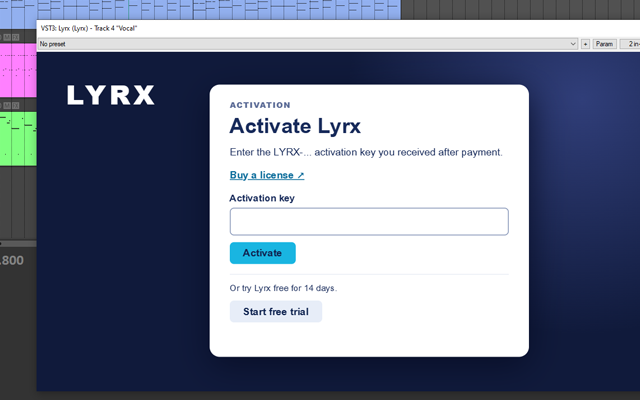
Activation window - 02 / CHOOSE
Choose an activation option
If you received a key after purchase, enter it in the key field. To try the plugin before buying, select the trial option if available.
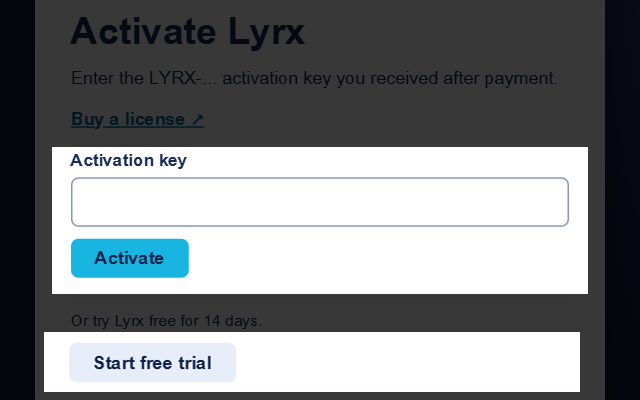
License or trial - 03 / CONFIRM
Confirm your choice
License: paste the full key and click Activate. Trial: click the button to start the trial. Wait for the server response.
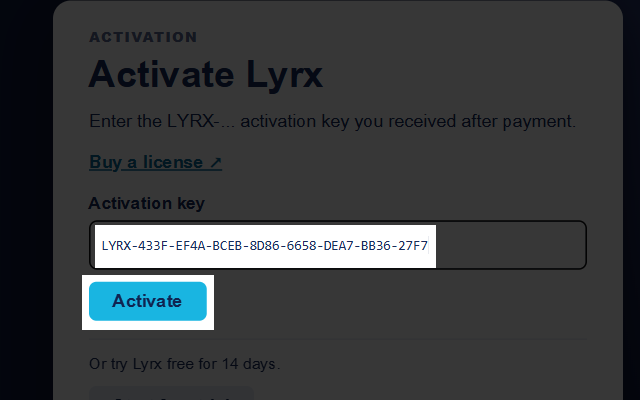
Activate with a key 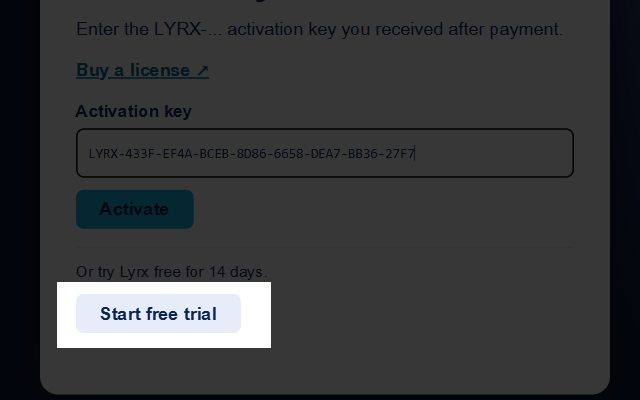
Start a trial - 04 / READY
Start working
After successful activation, the main plugin interface opens. If an error appears, check your internet connection and try again.
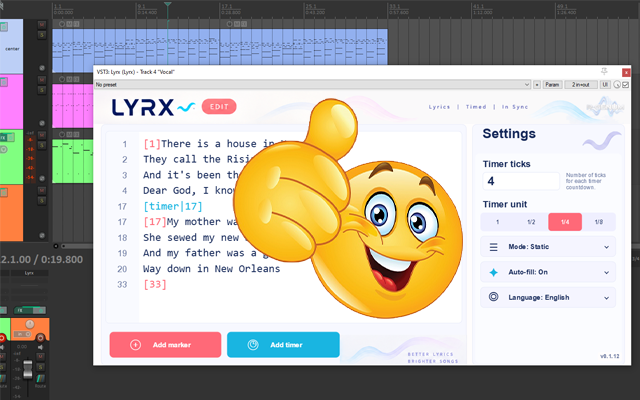
Plugin ready to use